3.11 Tariffs
Article goal
Explain which tariff types exist in the IZI system, how they differ, in which situations they are used, and how they affect sessions, payment and auto time extension.
Who this article is for
- Club owners
- Managers
- Senior administrators
- Staff responsible for tariff configuration
What you will learn
- Which tariff types exist in IZI
- How the per-minute, fixed tariff, subscription and package differ
- In which scenarios each tariff type is used
- How tariffs affect auto extension, refunds and session behaviour
Prerequisites
Before working with tariffs, make sure that:
- You are logged into CRM with the club owner account
- PC zones are created in the system
- You have access rights to the “Tariffs” section
⚠️ Important: creating and editing tariffs is not available under an administrator account — only under the owner account.
Tariff types in IZI
IZI provides 4 tariff types:
- Per-minute
- Fixed
- Subscription
- Package
Each type solves its own tasks and is used in specific scenarios.
Per-minute tariff
A per-minute tariff is a tariff where the client pays for the actual number of minutes used.
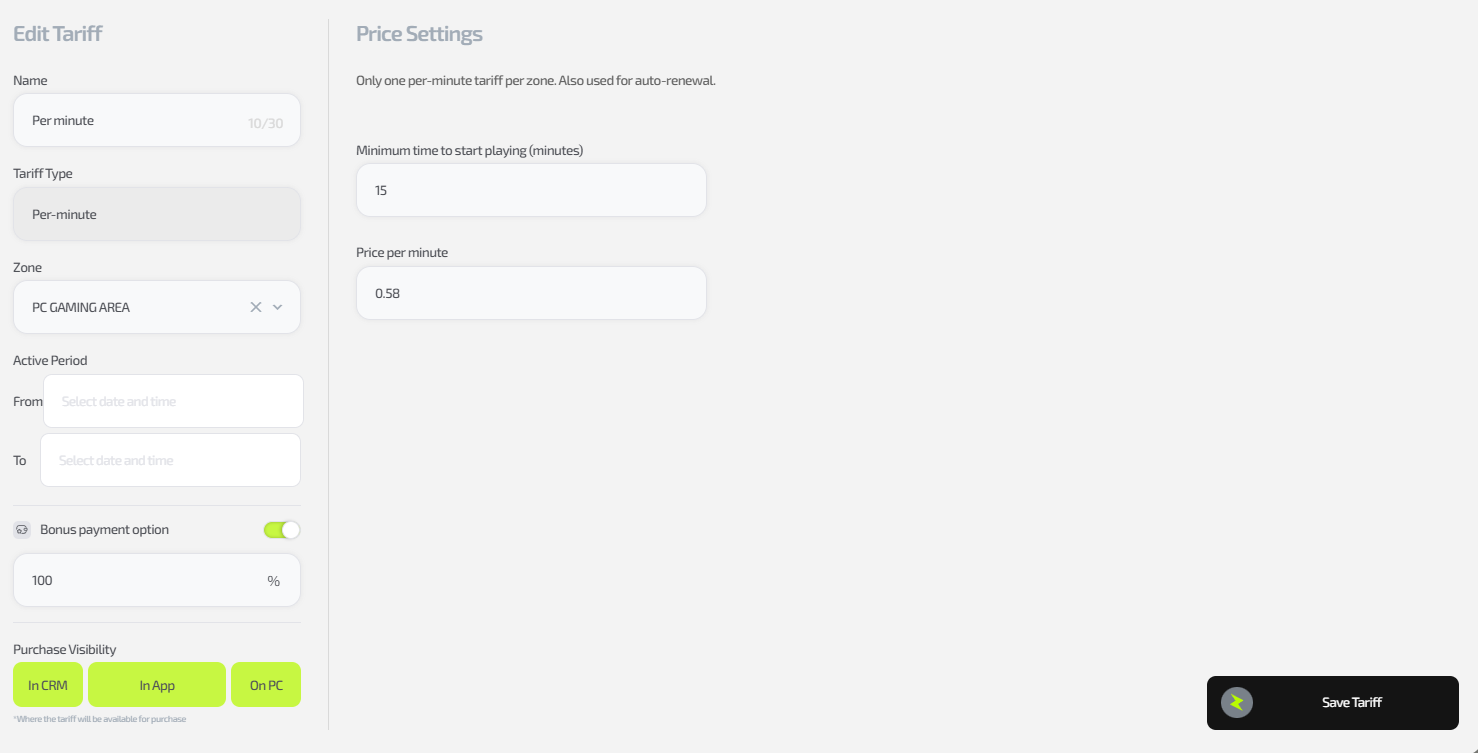
Per-minute tariff specifics
- Used for the auto extension function of any other tariff
- Only one per zone is allowed
- You set a price per hour, the system automatically calculates the per-minute price
- There is a minimum number of minutes to start the tariff
(typically 10–15 minutes, minimum is 5 minutes) - In case of early session end:
- Unused time is returned to the client’s bonus balance
Where it is used
- Auto extension after fixed tariffs, packages or subscriptions end
- Flexible payment for clients who don’t want strict time limits
Fixed tariff
A fixed tariff is a tariff with a predefined time interval
(for example from 08:00 to 12:00 — “Cyber morning”).
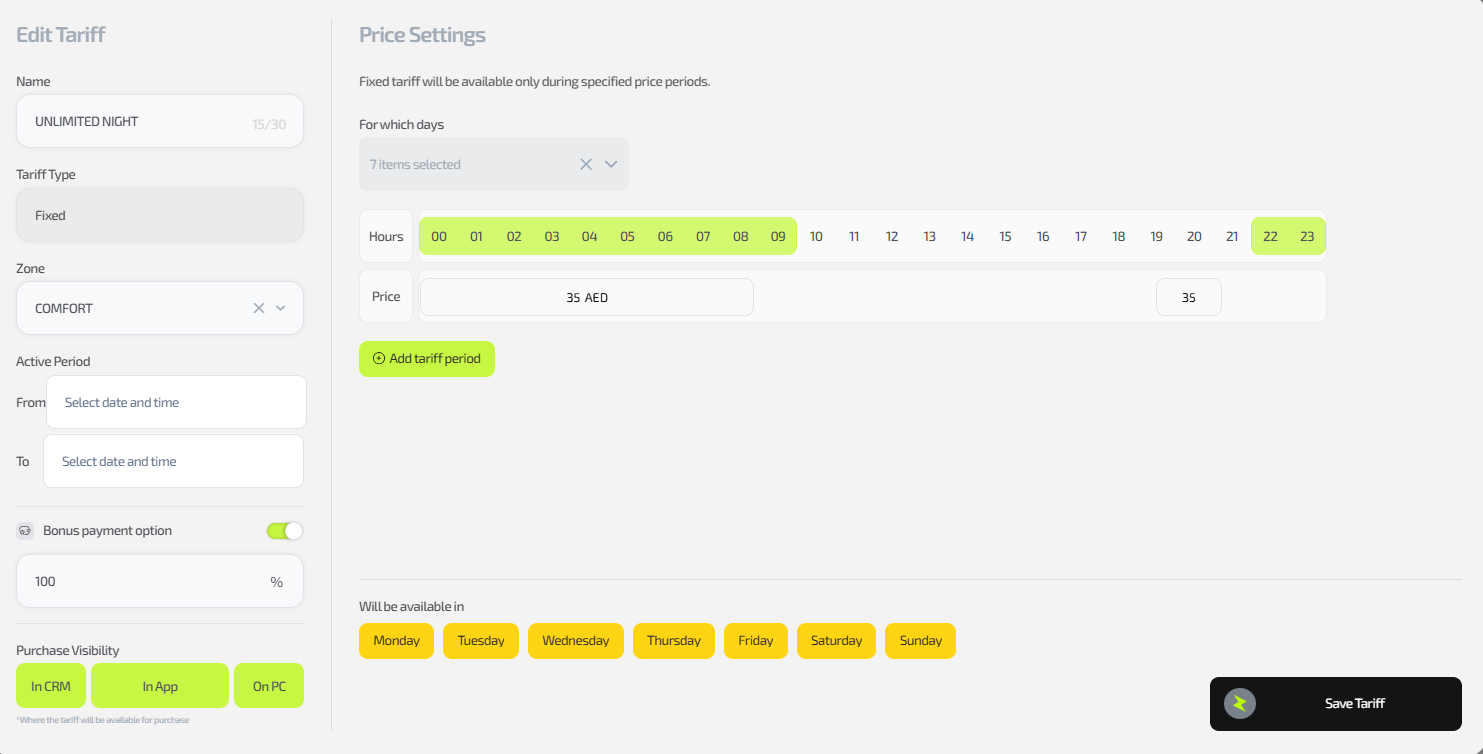
Fixed tariff specifics
- Multiple fixed tariffs can be configured for the same zone
- You set the price for the entire time range
- The price can:
- differ for different days of the week
- be set separately for specific dates
- The tariff can be activated at any time inside the interval
(for example, the client sits down at 09:30 and can stay until 12:00) - When the time interval ends:
- The session automatically ends if it was not extended with another tariff
- In case of early session end:
- Remaining time is lost
- No refund is provided
Subscription
A subscription is a tariff where the paid time can be used in several sessions.
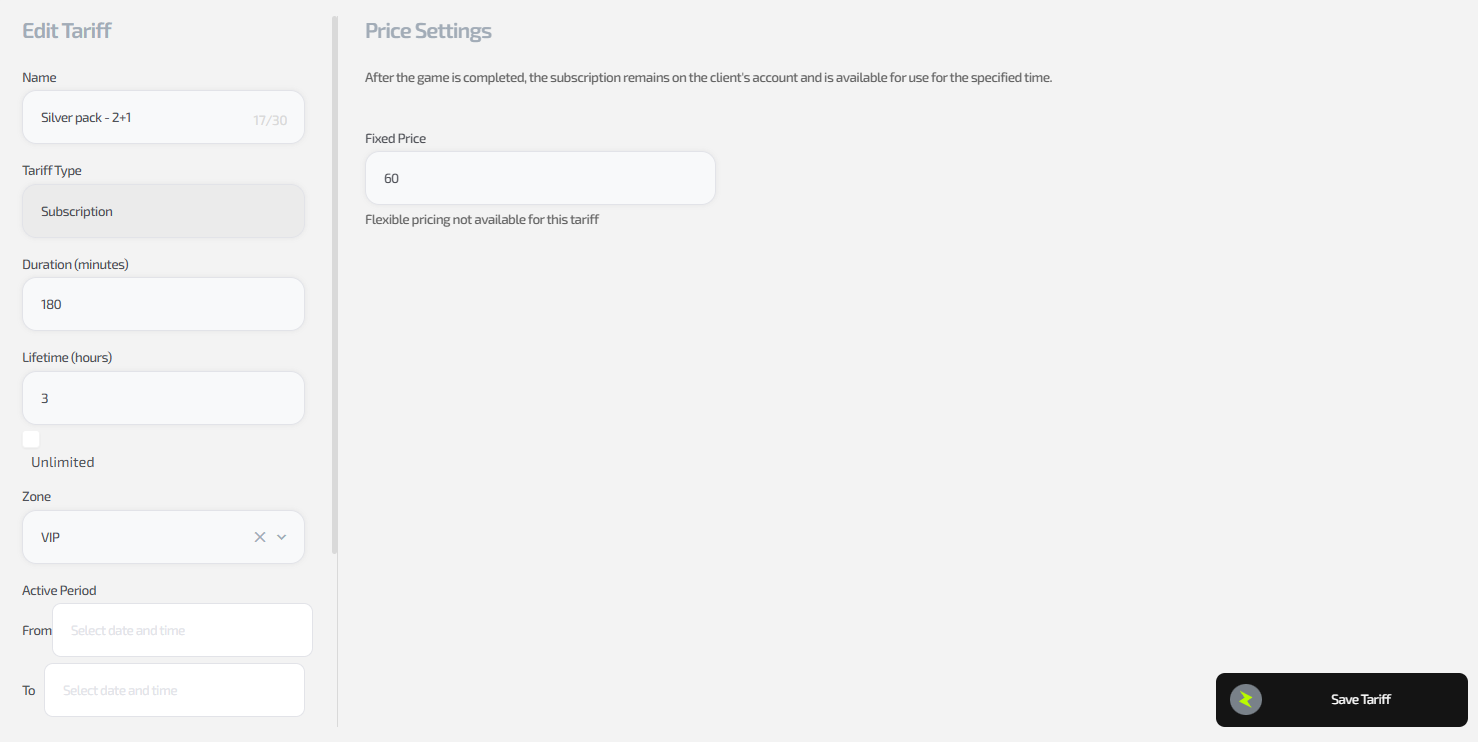
Subscription specifics
- Multiple subscriptions can be configured for the same zone
- The price is set:
- for the total amount of time
- optionally per days of the week or specific dates
- It can be activated any time within its validity period
- In case of early session end:
- Remaining time is kept
- It can be used in subsequent sessions
- When the validity period ends:
- All unused time is lost
Where it is used
- For regular customers
- For selling large time bundles with the ability to come multiple times
Package
A package is a tariff that starts working from the activation moment and runs for a strictly defined period.
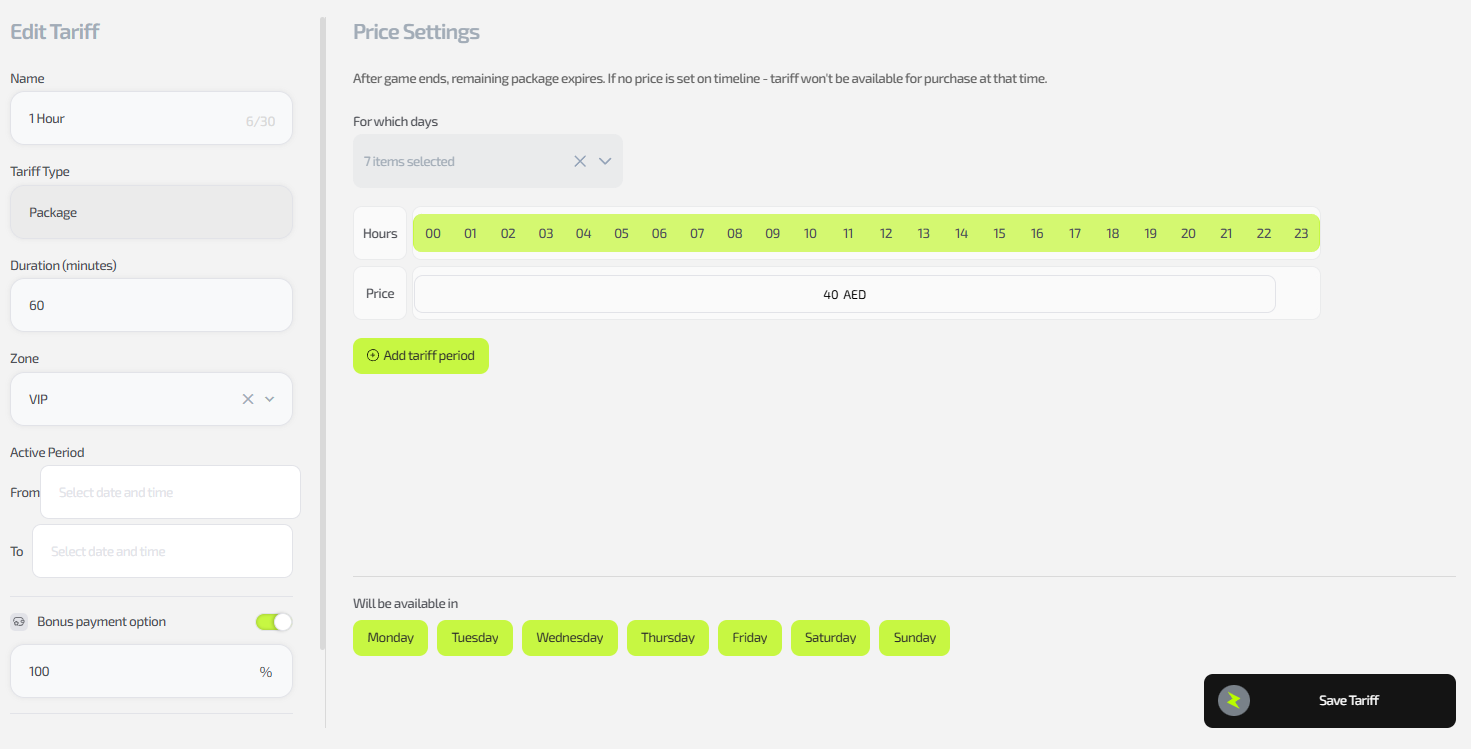
Package specifics
- Multiple packages can be configured for the same zone
- You set the price for the entire package time
- The price can depend on:
- the day of the week
- specific dates
- In case of early session end:
- All remaining time is lost
- No refund is provided
Key differences between tariffs
| Tariff type | Split across sessions | Time refund | Tied to time of day | Used for auto extension |
|---|---|---|---|---|
| Per-minute | No | ✅ Yes (to bonuses) | ❌ No | ✅ Yes |
| Fixed | No | ❌ No | ✅ Yes | ❌ No |
| Subscription | ✅ Yes | ✅ Yes (until expiry) | ❌ No | ❌ No |
| Package | No | ❌ No | ❌ No | ❌ No |
Common situations
| Situation | What happens |
|---|---|
| The client did not extend a fixed tariff | The session ends automatically |
| The client ended a subscription session earlier | Remaining time is kept for the next session |
| The client ended a package session earlier | All remaining time is lost |
| Fixed tariff time is over but the client keeps playing | Auto extension with the per-minute tariff is applied (if configured) |